
Getting Token
After creating an application from the panel, proceed with the following steps.
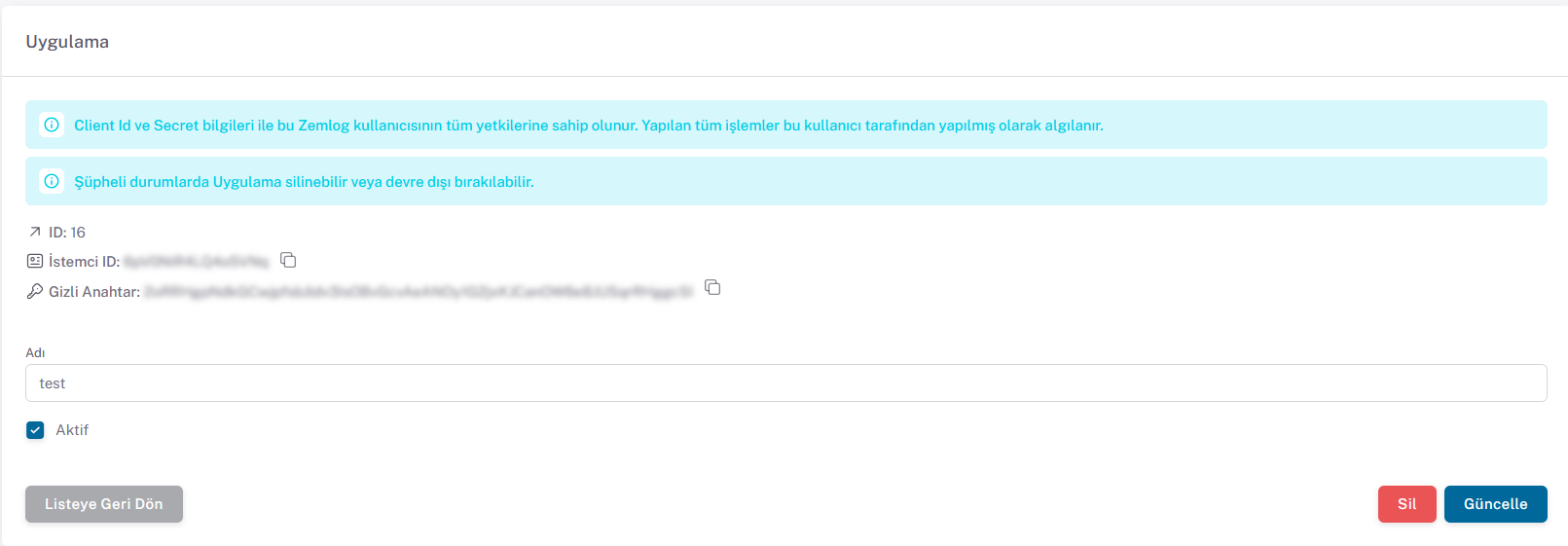
Send a request to the following endpoint using the Client ID and Secret Key from the panel. This request does not require a token.
Token Request
POST: /api/v1/auth/application
{api_url}/api/v1/auth/application
Content
| Field | Type | Required | Description |
|---|---|---|---|
clientId | string | Yes | Client ID |
secret | string | Yes | Secret Key |
json
{
  "clientId": "eaeE34e3",
  "secret": "secret"
}
Sample cURL
shell
$ curl -X POST {api_url}/api/v1/auth/application \
    -H 'Content-Type: application/json' \
    -d '{
    "clientId": "eaeE34e3",
    "secret": "secret"
}'
Response (200)
json
{
  "success": true,
  "message": "Uygulama jetonu oluşturuldu",
  "data": {
    "token": "eyJhbGciOiJIUzI1NiIsInR5cCI6IkpXVCJ9..."
  }
}
The token is returned in data.token, not at the root level as in the legacy version.
Errors
| HTTP | code | Description |
|---|---|---|
| 401 | CLIENT_ID_OR_SECRET_INVALID | Client ID or Secret Key is wrong, or the application is inactive |
| 422 | VALIDATION_FAILED | clientId or secret is missing |
| 500 | INTERNAL_ERROR | An unexpected error occurred; retry the request |
json
{
  "success": false,
  "code": "CLIENT_ID_OR_SECRET_INVALID",
  "message": "İstemci kimliği ya da sırrı hatalı."
}
Using the Token
Send the returned token in the Authorization header of every request with the Bearer prefix. Token expiration is 1 hour.
shell
$ curl {api_url}/api/v1/finance/invoices \
    -H 'Authorization: Bearer {token}'
After these steps, you can easily perform your transactions with ZEMLOG API v1 using the token.